
WhatsApp has launched a new feature designed to provide greater security and privacy for conversations. With Chat Lock, all WhatsApp platform users have the option to protect conversations with a password, fingerprint, or facial recognition, depending on the options offered by the device being used.
From now on, you no longer have to worry about who might have access to the sensitive conversations you have on your phone. Chat Lock gives you full control over privacy, and using this feature is simple and convenient.
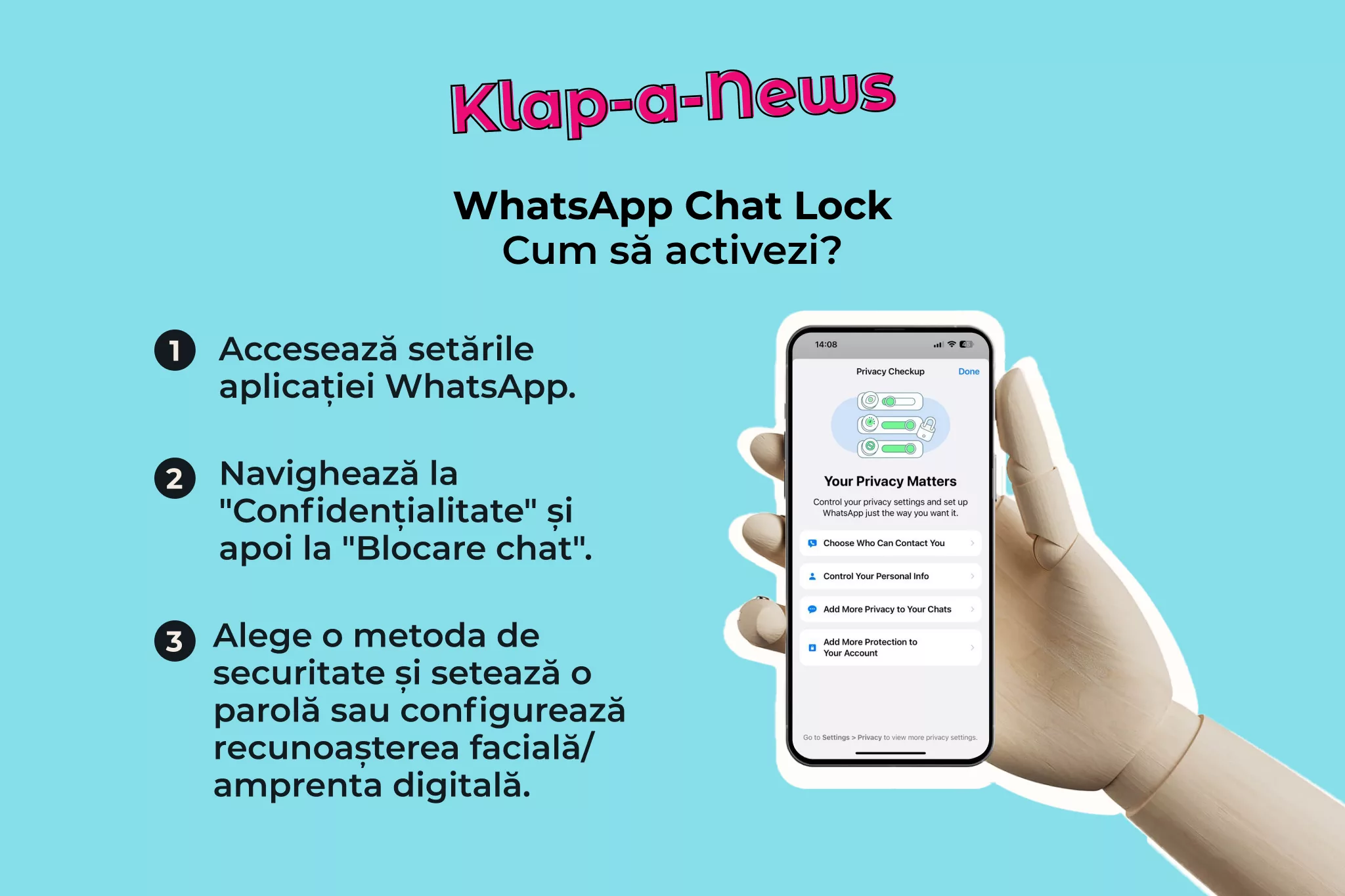
How to activate Chat Lock:
1️⃣ Go to the WhatsApp app settings.
2️⃣ Navigate to “Privacy” and then to “Chat Lock”.
3️⃣ Choose the security method you want to use and set a password or configure facial recognition/fingerprint, depending on the device being used.
4️⃣ Done! From now on, conversations will be protected with an additional security barrier.
Whether you want to protect your personal conversations or confidential information from work, Chat Lock is the ideal solution for keeping your privacy safe.
At Klap, we are committed to providing you with the latest information about technology and security. We promote responsible use of technology and encourage you to explore all the security options available to you.
🔒 Protect your personal conversations with Chat Lock and enjoy a safer and more private experience on WhatsApp! 🔒