
NFC: What is it and how to use the NFC phone payment function
Have you ever wondered what NFC is and why more and more phones include this feature? From fast and secure payments to connecting with other devices or transferring files, NFC is already an essential technology in everyday life. And if you are curious how it works and if your phone is compatible, we invite you to discover in the following lines all you need to know about this smart feature.
What is NFC: for everyone
NFC is the acronym for “Near Field Communication” and is a wireless technology that allows data transfer between two devices within a short distance (usually up to 4 cm). NFC is commonly used for contactless payments, but it also has many other useful uses in everyday life.
How the NFC function works on your phone
When two NFC-enabled devices are close together, they can quickly exchange data without the need for cables, complicated applications or additional steps. NFC uses electromagnetic induction to enable communication between the two devices.
A familiar example is paying by phone at the supermarket, where NFC replaces the physical bank card.
Difference between NFC and Bluetooth
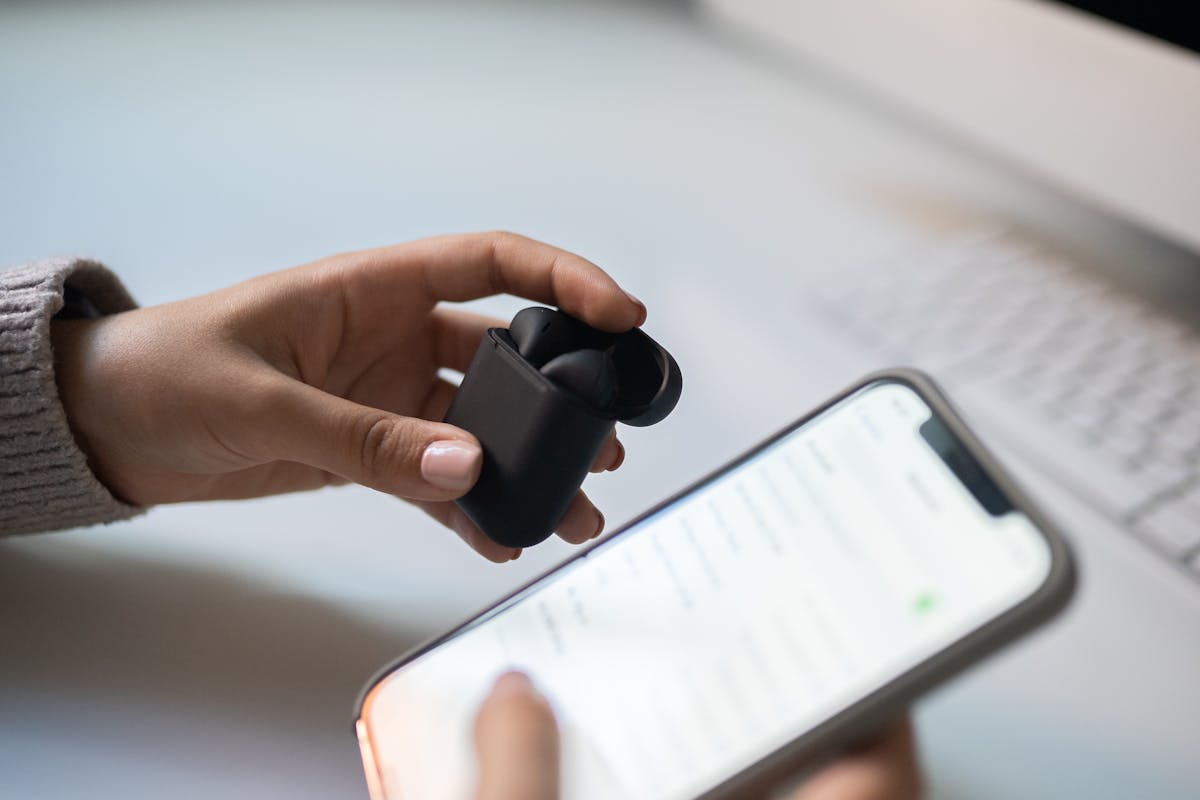
Both technologies are used for data transfer, but:
- NFC works at a smaller distance (max. 4 cm)
- NFC is activated automatically without the need for mating (pairing)
- Bluetooth has a larger radius (up to 10 m), but requires configuration
- NFC uses less battery than Bluetooth
For fast and secure payments or instant connections, NFC is the simpler and faster option.
How to check if your phone has the NFC function
On most modern phones, the NFC function is already integrated. Here’s how you can check:
Check NFC on iPhone
- Go to „Settings” (Settings)
- Enter in „Wallet & Apple Pay”
- If this section exists, it means that your iPhone has NFC
Note: on iPhone, the NFC function is turned on automatically and does not appear as a separate setting.
NFC function check on Android (Samsung, Huawei, Xiaomi, etc.)
- Open „Settings”
- Search section „Connections” or „Connectivity”
- Enter „NFC and contactless” payments or use the search bar in settings
- If this option exists, your phone is NFC-enabled
How to activate NFC on mobile phone
Activate NFC on iPhone
No manual activation required. It’s automatically turned on for features like Apple Pay. Just set up cards in the Wallet app.
Activate NFC on Android
- Go to „Settings” → „Connections”
- Click on „NFC and payments”
- Activate the option
Deactivate NFC
On Android, the NFC option can be stopped from the same menu where you activate it. There is no manual deactivation option on iPhone.
How safe is the NFC function?
NFC is considered a safe technology. Data transfer is only done over very short distances, which reduces the risk of interception.
What users can do to protect themselves from potential threats
- Only turn on NFC when you need it
- Use secure payment apps (Apple Pay, Google Wallet, etc.)
- Check the permissions of apps that use NFC
How to pay via NFC with your mobile phone
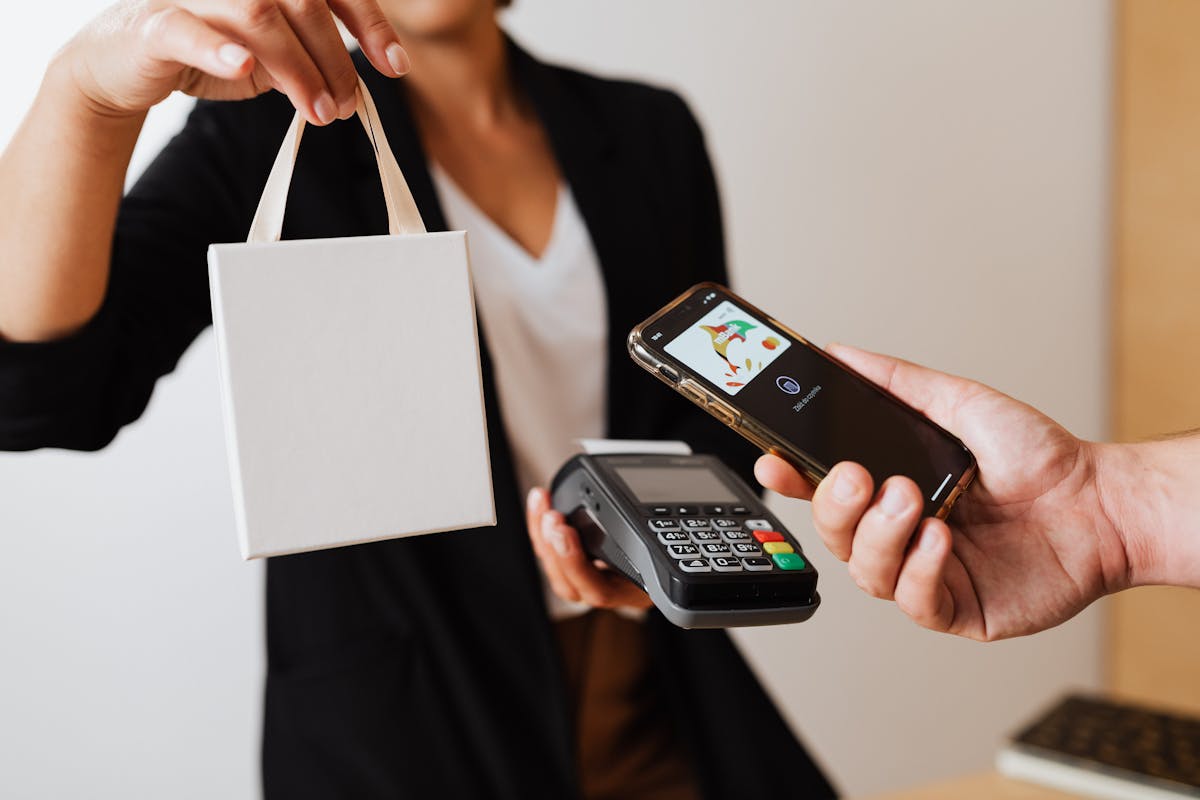
Open the payment app (Google Wallet, Apple Pay, etc.)
- Select the card you want
- Approach the phone to the POS terminal
- Wait for payment confirmation
This feature is available on most reconditioned Android or iOS phones produced in recent years, which can be found on klap.ro.
What else can you use NFC on your mobile phone
Transfer contacts and web pages between phones
By simply approaching two phones, you can send a web page, address book contact, or location from Google Maps.
Connecting your smartphone with other electronic devices
NFC is used to connect headphones, portable speakers or printers.
Connecting your smartphone with your car
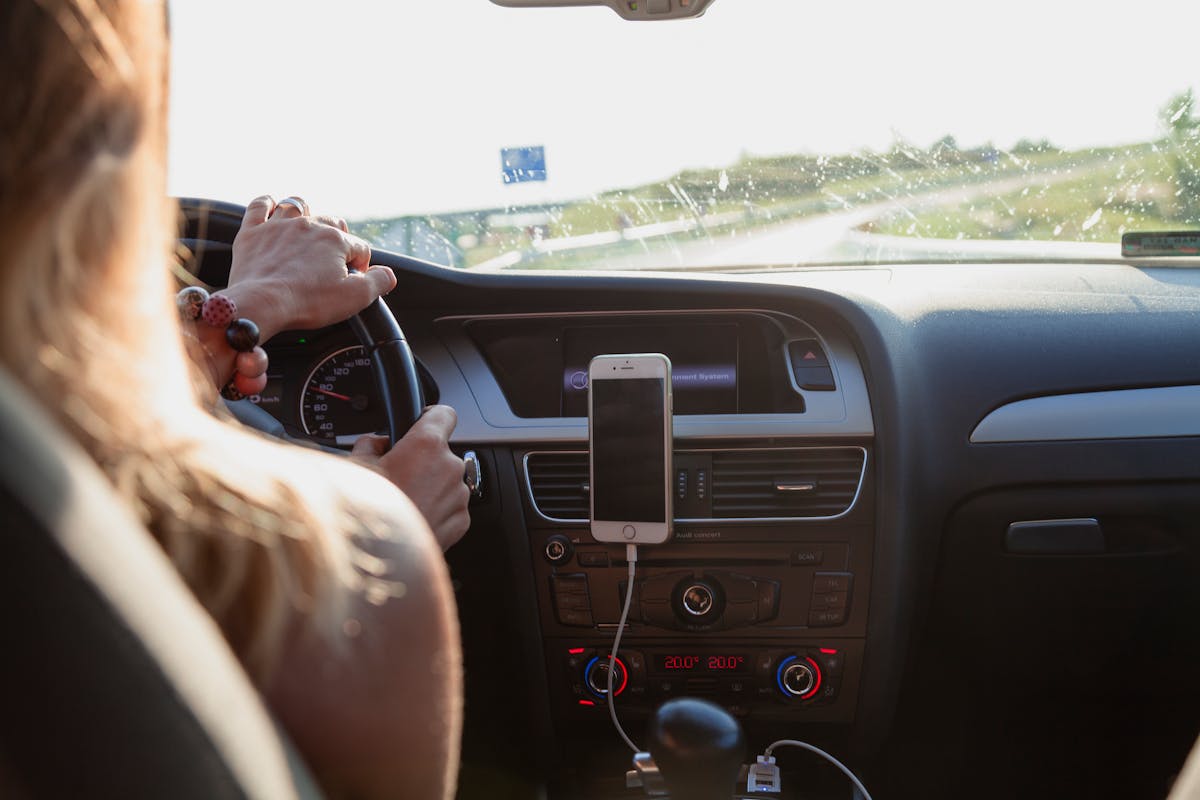
Many modern cars allow the phone to be connected quickly via NFC, for audio playback or control via infotainment.
Transfer files to or from your smartphone
Although it is not as fast as Bluetooth or Wi-Fi Direct for large files, NFC can initiate these transfers very quickly.
Other frequently asked questions about NFC
Are there any limitations to NFC function?
Yes. It only works over short distances, and the transfer speed is limited.
What do you do if you don’t have the NFC function on your phone?
If your phone doesn’t have NFC, you can’t use contactless payments or other features based on this technology. In this case, you can sell your old phone on klap.ro and choose a newer, NFC compatible one from our website.
Does the NFC function on your mobile phone consume a lot of battery?
No. The energy consumption is very low.
Can you use NFC without an internet connection?
Yes. For most functions, such as payments or data transfer, internet connection is not required.
Can you use the NFC function for payment in public transport slogans?
Yes, in many major cities in Europe, Asia and North America. It requires a compatible app or card setup in Google Wallet / Apple Pay.
What phones do NFC have?
Typically, entry-level or very cheap models do not include the NFC function. Before purchasing, check this specification.
Does NFC work with covers on your phone?
Yes, provided that the cover is not metal or very thick. Standard covers do not affect NFC function.
Where can you buy a phone with NFC?
Dacă ești în căutarea unui telefon cu NFC, dar nu vrei să investești într-un dispozitiv nou, o alegere excelentă este un telefon recondiționat. Găsești modele verificate, cu baterie testată și garanție de 2 ani inclusă direct pe Klap.ro.