

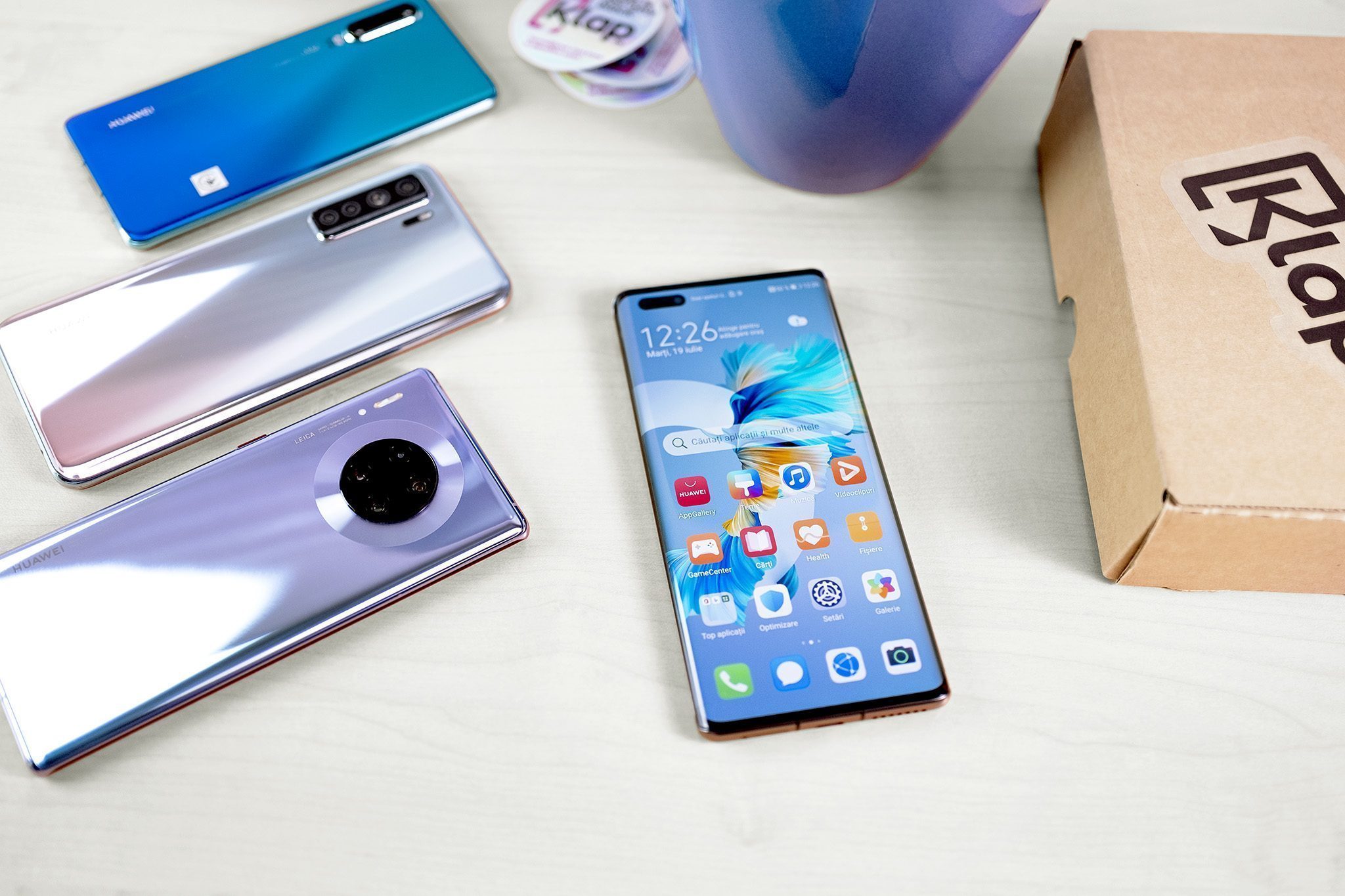
Outstanding design, a very good OLED display, an exceptional camera setup, and enviable battery life? All these features make Huawei phones remain a suitable option when you want to purchase a smartphone with top specifications at affordable prices.
Huawei without Play Store
This break happened in 2019, along with the many sanctions applied by the US government to the Chinese company. Huawei was accused, without concrete evidence, of creating devices used for espionage.
Today, more than 3 years have passed since Huawei phones stopped working with Google services, the last model to benefit from Google Mobile Services (GMS) being the Huawei P30 Pro.
We know, at the time, many of us were worried when hearing this news, believing that we would never be able to use Huawei phones again. However, for the Chinese company, it was nothing more than a natural step in its global expansion process.
Thus, it managed to develop its own app store — Huawei AppGallery — and, at the same time, continued to launch devices with enviable performance, ready to offer users a complete and complex experience every day.
The lack of Google services on Huawei phones means that they cannot use apps that rely on certain Google services.
In other words, they cannot use Google authentication for certain apps, cannot use Play Store to install apps, and cannot download and use specific Google apps such as:
- YouTube,
- Gmail,
- Google Docs,
- Google Maps and others.
However, it is important to mention that all of these can be accessed directly from the browser or by using third-party apps with similar functionality.
How to install apps on Huawei phones?
Now you can simply and easily install any app you want on your Huawei phone using:
- Huawei AppGallery,
- Phone Clone,
- Amazon Appstore,
- APK Pure,
- APK Combo.
Huawei AppGallery is the store developed by the Chinese manufacturer, preinstalled on every smartphone, through which you can download games and apps for models such as:
- Huawei Mate 40 Pro,
- P40 lite,
- Mate Xs,
- P40,
- P40 lite.
How to configure Huawei phones
Once the new phone is configured, you need to create an account and you will have unlimited access to all the benefits in the store. Here, besides downloading the apps you want, you can also enjoy gifts or surprise prizes offered for certain games.
The interface is extremely user-friendly and you will certainly get used to it in no time. In addition, you are only a few “clicks” away from many advantages.
Features – the home page presents recommended apps, the newest games, the benefits of ongoing campaigns, plus a search field that helps you quickly find everything you want.
Here you will also find Trending & Top, where you can get inspired to download everyday apps such as:
- Booking,
- My Orange Romania,
- Carrefour,
- Telegram,
- Lidl Plus,
- TikTok and many others.
Although there are many options, there is a “but” that we need to underline and that could scare many new Huawei users. You will not find apps such as Facebook, Instagram, Waze, or Netflix in Huawei AppGallery, but you can download them from other third-party stores such as Amazon Appstore for Android, APK Pure, or APK Combo.
Every problem has a solution
Still, if you are worried about using public APK collections — where there is a risk of downloading unsafe packages — you can use an antivirus solution such as Bitdefender, which can be downloaded from AppGallery and will help you scan any app before installation, so the chances of getting a virus decrease significantly.
In addition, if in the past you owned an Android smartphone on which you already had certain apps installed, you can use Phone Clone, which will help you quickly transfer photos, files, and apps to Huawei phones.
That being said, with all these options available, configuring your Huawei smartphone with the apps you want becomes extremely easy. We have already tested this, convinced ourselves of the usefulness of this smartphone brand, and managed to install over 90% of the usual apps without any problems.
However, if you need additional advice, our specialists are at your disposal, and by browsing Klap.ro you will discover dozens of Huawei models at more than competitive prices, with which you will not only take the most beautiful photos, but they will also become a reliable partner in your daily life.