
Instagram is one of the most widely used social networks in the world, but for more and more users, the platform can become tiring, time-consuming, or intrusive. Whether you want a break, a digital reset, or you want to permanently give up the app, it is important to know exactly what deleting an Instagram account involves, what the correct steps are, and what alternatives you have available.
This complete guide brings together all the information you need to temporarily deactivate or permanently delete your account, download the data associated with your profile, and avoid any future inconvenience.
What you need to know before deleting your Instagram account
Before starting the deletion process, it is important to consider a few essential aspects. Many users rush to delete their account without keeping a copy of their data or without checking the implications, and the process is irreversible once completed.
1. Make a complete backup of your data: photos, videos, messages
Instagram provides an option that allows you to download all the data associated with your account:
- posted photos and videos
- DM conversations
- profile information
- story history and archive
- comments and other interactions
You can request the archive download directly from your account settings, in the section dedicated to your information. After the file is generated, you will receive a link by email.
This step is mandatory if you intend to permanently delete your account. After deletion, you will no longer be able to recover anything.
2. Check the apps connected to Instagram
If you used your Instagram account to log in to third-party apps, such as photo editors, analytics tools, or online stores, deleting the account will interrupt their access.
It is recommended to check the Authorized Apps section and update your login details where necessary.
3. Deletion vs. Deactivation – what is the difference?
Instagram offers two main options:
Temporary deactivation
- your account becomes invisible
- posts, comments, and messages remain saved
- you can reactivate it at any time, simply by logging in
- it is ideal for short breaks or a digital detox
Permanent deletion
- the account is permanently removed
- all data is deleted
- it can no longer be recovered after the process is completed
- the username may become available to other users
If you are not sure about your decision, deactivation is a much safer option.
How to temporarily deactivate an Instagram account
Deactivation is the best solution if you want a temporary break.
Currently, most account-related settings are managed through Meta Accounts Center, both in the app and in the browser.
Deactivation from the Instagram app (Android / iPhone)
- Open the Instagram app.
- Go to your profile → tap the “≡” menu.
- Go to Settings and Privacy.
- Select Accounts Center, the Meta section at the top.
- Choose Personal Details.
- Go to Account Ownership and Control.
- Select Deactivation or Deletion.
- Choose Deactivate Account.
- Provide a reason and confirm the deactivation.
Your account will become invisible until you decide to return.
Deactivation from a browser: phone or PC
- Go to instagram.com and log in.
- Go to the settings section and access Accounts Center.
- Select Account Ownership and Control.
- Choose Deactivation or Deletion.
- Select the account and tap Deactivate Account.
How to permanently delete an Instagram account
If you have decided that you no longer want to use Instagram at all, follow the steps below.
This action is permanent, which is why it is essential to download your account data first.
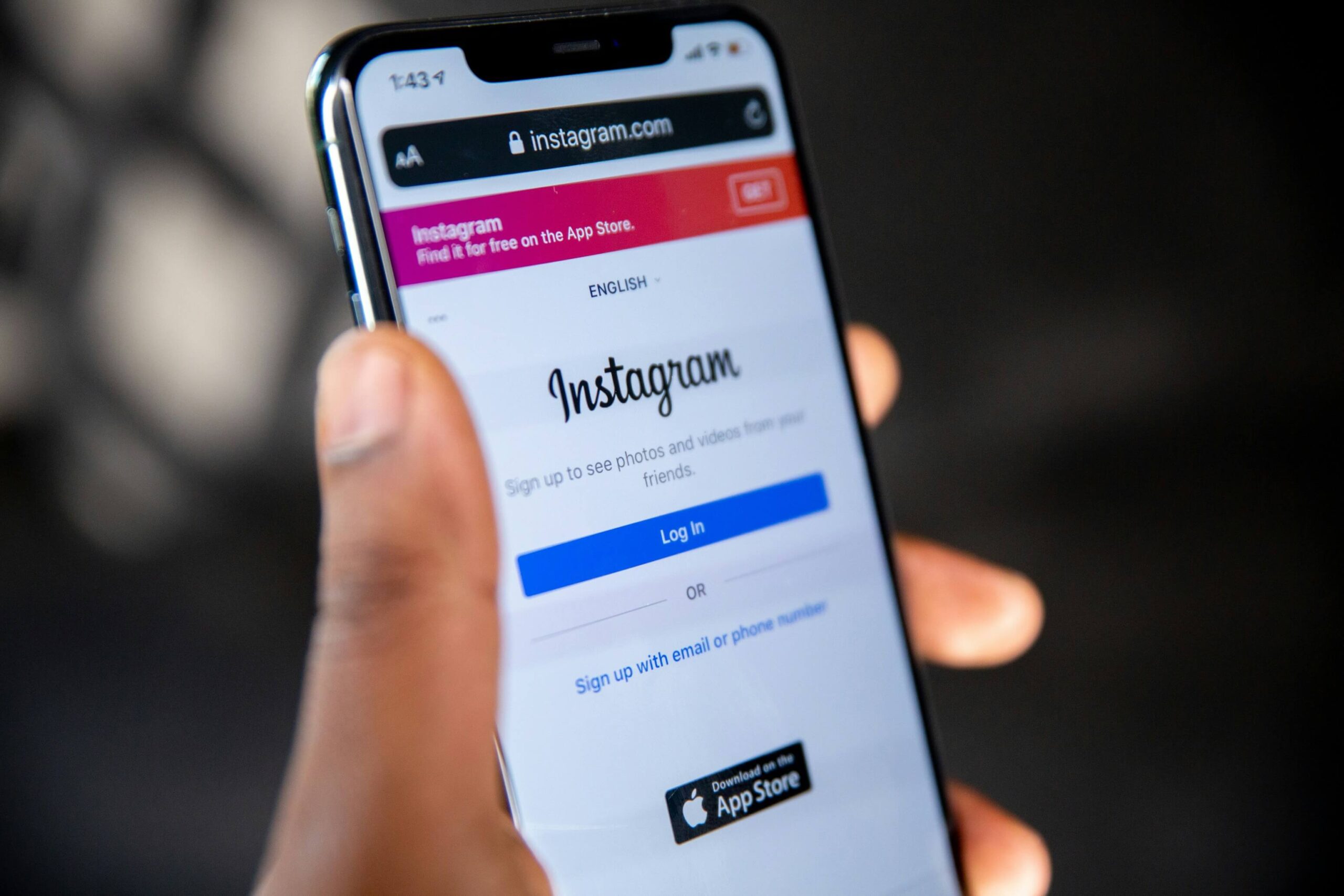
Permanent deletion from the Instagram app
- Open the app.
- Go to your profile → the “≡” menu → Settings and Privacy.
- Go to Accounts Center.
- Select Personal Details.
- Access Account Ownership and Control.
- Choose Deactivation or Deletion.
- Select the account that will be deleted.
- Check Delete Account.
- Choose a reason and enter your password to confirm.
Your account will be scheduled for deletion.
Permanent deletion from a browser
- Go to instagram.com and log in.
- Open Accounts Center.
- Go to Account Ownership and Control.
- Choose Deactivation or Deletion.
- Select Delete Account.
- Confirm your choice and enter your password.
What happens after deleting the account?
After you start the deletion process:
- the account becomes invisible immediately
- all data associated with the profile is permanently removed
- your username may become available to other users
- there is no recovery option after deletion is completed
If you want to return to Instagram, you will need a new account.
Useful alternatives to deleting your Instagram account
Before making the final decision, you can try less drastic options:
1. Set your account to private.
Only approved people will be able to see your posts.
2. Block or restrict users.
You can control who interacts with you without giving up the account.
3. Turn off notifications.
Reducing stimuli can lower the time spent in the app.
4. Set time limits.
Instagram offers an option to monitor and limit the time spent on the platform.
5. Delete only old content.
A deep cleanup can have the effect of a reset without losing the account.
Deleting or deactivating your Instagram account is a simple process, but one that requires attention. Regardless of your choice, make sure you have downloaded all important data and that you understand the consequences of each option. Deactivation is ideal for temporary breaks, while permanent deletion is a long-term choice with no possibility of return.
If you have decided to make a change in your digital life and give up Instagram, it may also be the perfect time to upgrade your device. On Klap.ro, you can find a wide range of premium refurbished phones, rigorously tested, with full warranty and much more affordable prices than new models.
Whether you want a more powerful smartphone, a battery that lasts longer, or a better camera for important moments, at Klap you choose smart: sustainable, safe, and advantageous.
Frequently asked questions about deleting an Instagram account:
Can Instagram delete your account automatically without you requesting it?
Yes. There are a few rare situations in which an account can be automatically removed without a direct request from the user:
- prolonged inactivity + lack of access to the associated email/phone number
- repeated violations of community rules
- account mass-reported and manually reviewed
However, such cases are exceptional, and the platform usually sends notifications beforehand.
If I delete an account, can I use the same email or phone number for a new account?
Yes. The email address and phone number become available again after the account is deleted.
The only exception is if that account was severely penalized — in that case, the details may remain temporarily blocked.
If I delete my account, do the DMs I sent to other people disappear too?
Messages sent to others may remain visible in their conversations, even if you have deleted your account.
Instagram does not delete messages from other people’s accounts in order to preserve the integrity of conversations.
Can I delete an Instagram account without access to the email or phone number?
Normally, no.
You must be able to confirm your identity — otherwise, the platform cannot guarantee that you are the owner of the account.
The only solution is:
- video verification, sometimes available,
- or recovery through previously connected devices.
If I have two connected accounts, does deleting one affect the other?
No, deleting one account does not affect additional accounts in the app.
The only special situation is if they are grouped under a common Meta identity and you have activated certain synchronized login settings — in that case, they must be configured manually beforehand.
Can I hide my account from everyone without deleting or deactivating it?
Yes. A combination of settings can make the account almost “invisible”:
- private account
- removing all followers
- disabling follow suggestions
- hiding online presence
- blocking appearance in searches
It is a little-known alternative to deactivation.
Can Instagram reuse my content after I delete my account?
NO. Your content can no longer be used by the platform after the account is deleted.
The only exception: content that was publicly shared and copied by other users, such as reposts or screenshots.
Does deleting the account affect connected Meta accounts, such as Facebook?
No. Deleting your Instagram account does not lead to the automatic deletion of your Facebook account.
However, if you used Instagram as a login method in certain apps, some connections may no longer work.
Can I delete only certain data instead of deleting the entire account?
Yes, and it is an option that few people use:
- you can download the archive and then manually delete all posts
- you can delete your search history – see here how to delete your Google search history
- you can delete message history
- you can delete saved Reels
Many users use this method for a “fresh start”.